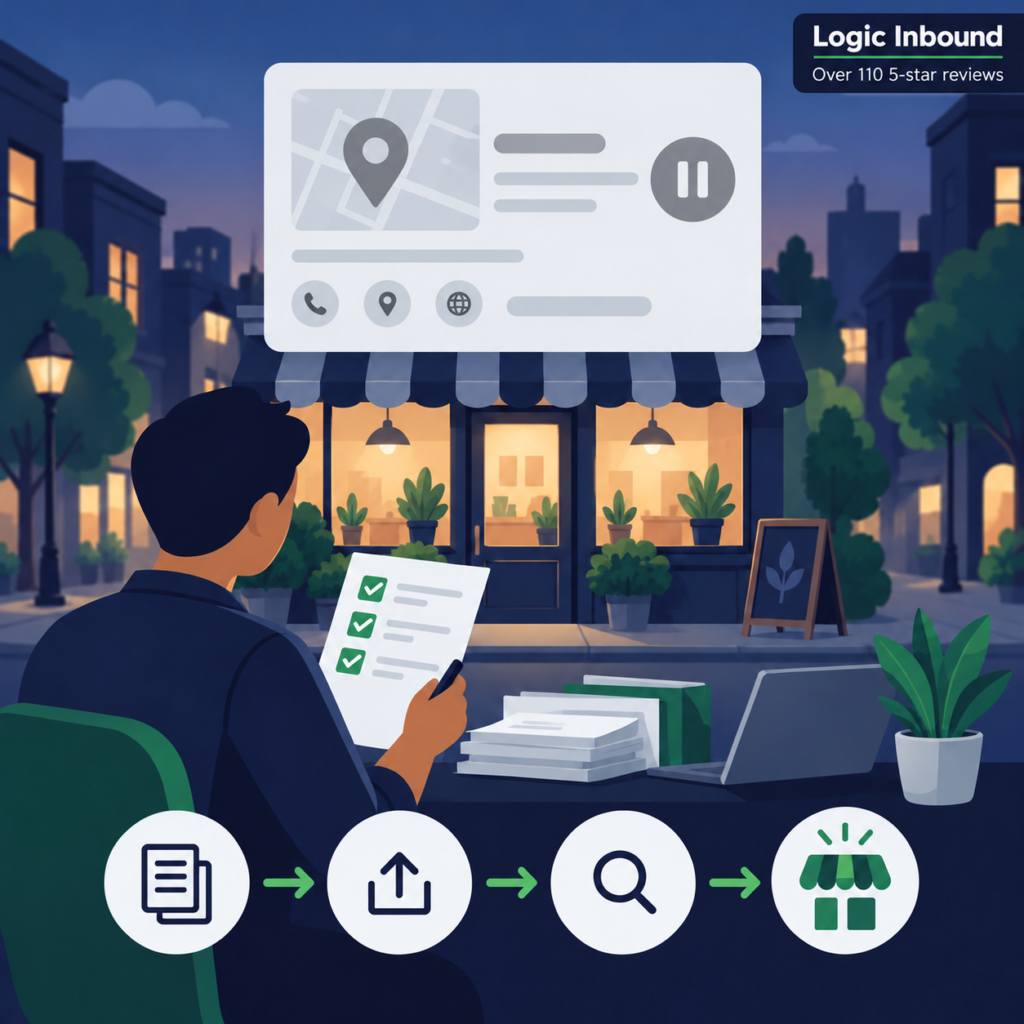
Google Business Profile suspended? Calls dropped, the listing is gone from Maps, and you are not sure what you did wrong. Stay calm and work in order: diagnose which kind of suspension you have, gather proof, file one clean appeal, and protect your leads while you wait.
Quick answer: A Google Business Profile is usually suspended for breaking Google's guidelines, most often a name with extra keywords, an address that does not fit the business type, or category problems. To get reinstated, fix the cause, gather proof of a real business, and file one complete appeal, because Google says appeals can only be submitted once. This guide walks through each step in plain terms. If your listing is simply not appearing and there is no suspension notice, that is a visibility problem rather than a suspension; our post on local SEO mistakes (https://logicinbound.com/local-seo-mistakes/) covers common visibility causes.
What does a Google Business Profile suspension look like (soft vs hard)?
Soft and hard suspension are industry terms, not Google's own wording, and the fix is different for each. You can usually tell which one you have in a few minutes.
Soft suspension
The listing still exists, but you cannot manage it. You may see a message that the profile is suspended or that your edits are not live. Customers may still be able to find the listing, but you cannot update hours, answer reviews or change details. A soft suspension is usually a flag on the profile. It is often easier to clear.
Hard suspension
The listing is removed from Search and Maps. Google's help page says that when a profile is removed, the public can't go to it and the owner and managers can't act on it (Google Business Profile Help). A hard suspension needs a formal reinstatement request with evidence.
Quick check: open your profile in Business Profile manager. If it says the profile is suspended or offers a way to appeal, you are in the appeal flow below. If you see nothing unusual and the listing just is not ranking, that is a visibility problem, not a suspension.
What are the 8 most common reasons a Google Business Profile gets suspended?
Google does not always say which rule you broke. These are the issues to check first for a service business, drawn from Google's Business Profile guidelines and common practice. Check them against your own listing before you appeal, because your appeal should fix the cause, not just ask nicely.
1. Address or service-area business rules
If you travel to customers and do not serve them at your location, you are a service-area business. Showing a home or shop address to the public when you do not meet customers there can cause problems. Make sure your address setting matches how you actually work. Google's guidelines say a service-area business should hide its business address from customers, and that service areas should not extend farther than about 2 hours of driving time from where the business is based (Google Business Profile guidelines, https://support.google.com/business/answer/3038177, as of 2026-10).
2. Keyword-stuffed business name
Your business name should match your real-world name on your sign, invoices and website. Adding services or city names, such as 'Best Plumber Seattle 24/7', can lead to a suspension. Google says your name should reflect your business's real-world name, and that unnecessary information such as marketing taglines, hours, phone numbers, URLs and service descriptions is not permitted (Google Business Profile guidelines, https://support.google.com/business/answer/3038177, as of 2026-10).
3. Virtual office or mail drop address
Addresses that are not staffed during business hours, shared mail boxes and co-working desks are risky for listings that show a public address. Google says P.O. boxes or mailboxes at remote locations are not acceptable, and that a virtual office where the business does not operate is not eligible (Google Business Profile guidelines, https://support.google.com/business/answer/3038177, as of 2026-10).
4. Category mismatch
A primary category that does not describe what you actually do, or a long list of loosely related categories, can look like manipulation. Pick the category that best describes your main service and add only the ones that are true. Google says to use as few categories as possible and not to use categories solely as keywords (same guidelines, as of 2026-10).
5. Recent edits
Big changes close together, such as a new name, new address and new category in the same week, are worth avoiding as a precaution. Some practitioners report that edits to core details can draw extra review. The Google guidelines page we checked does not state this, so treat it as a precaution rather than a rule.
6. Ownership or manager changes
Adding a new owner, removing the old one, or handing access to an agency can trip a flag. This is also where old ex-employee or ex-agency access causes trouble.
7. Website or contact info that does not match
If your listing says one name, phone number or address and your website says another, Google has a hard time confirming you are real. Make your name, address and phone consistent everywhere.
8. Duplicate or ineligible listings
Two listings for the same business, or a listing for a business type that is not eligible for a profile, can lead to a suspension. Look for duplicates before you appeal. If your listing is simply missing and not suspended, our guide on why your business is not showing up on Google covers the other causes.
What evidence should you gather before you appeal?
Gather proof that this is a real business at the name and address on the listing: a registration or license, a utility bill, and photos of your signage or vehicles. Rushed appeals tend to be thin. Spend an hour collecting proof first. Your goal is to show Google that this is a real business, operating at the location and under the name on the listing.
Evidence checklist (copy and paste into a doc):
[ ] Business license or registration that shows your legal name and address [ ] Utility bill, lease or other document with the business name and address (recent) [ ] Photo of your storefront with signage, if you have a public location [ ] Photos of your branded vehicle, tools or uniforms, if you are a service-area business [ ] Photo of your business name on invoices, quotes or business cards [ ] Screenshot of your website showing the same name, address and phone as the listing [ ] Proof of your relationship to the business (owner or authorized representative) [ ] Short video showing your location, signage and work area, in case Google asks for video verification
Google's appeal help page says to upload documents such as an official business registration, business license, tax certificate or utility bill, with the business name and address matching the profile (Google Business Profile Help, https://support.google.com/business/answer/4569145, as of 2026-10). That page did not list video verification, so treat the video item above as optional.
How do you file a Google Business Profile reinstatement appeal?
File one appeal, make it complete, and keep copies of everything you send.
Step 1: Fix the cause first
If your business name has extra keywords, change it back to your real name. If your address setting is wrong, correct it. An appeal that leaves the problem in place usually fails.
Step 2: Open the reinstatement request
Sign in to the Google account that manages the profile. Open Google's Business Profile appeals tool, confirm the account, select the profile, choose Continue, then select the decision you are appealing. Google's help page describes this flow (https://support.google.com/business/answer/4569145, as of 2026-10).
Step 3: Describe the issue plainly
State your business name, what you do, where you operate and what you changed. Keep it short and factual. Do not argue or write a long story.
Example wording to adapt:
'This is [Business Name], a [type of business] operating at [address / serving X area]. The profile was suspended on [date]. We have corrected [business name / address setting / category] to match our real-world details. Attached are our license, proof of address and photos of our signage and vehicles.'
Step 4: Upload your evidence
Use clear, readable files. Make sure names and addresses are visible and match what is on the listing.
Step 5: Submit once and record the case
Save the case number, the date and a copy of what you submitted. Do not submit repeated appeals back to back. Google says appeals can only be submitted once, and that if a request is denied an additional review may be possible, including evidence you did not add originally (as of 2026-10). Wait for a response.
If you need to reach Google about an open case, we plan a separate guide to contacting Google Business Profile support. We keep that part short here on purpose.
How long does reinstatement take, and what should you do while you wait?
Google's appeals help page says appeal reviews can take up to 5 business days, and that you should not submit more than one appeal for the same issue before you get a decision (Google Business Profile Help). Plan for the listing to be down for days, and possibly longer, and protect your lead flow in the meantime.
Google Ads and Local Services Ads
Local Services Ads require a public, verified Business Profile, and Google lists a suspended or disabled profile as something you must fix (Local Services Help). Google Ads location assets pull their details from your Business Profile (Google Ads Help), but Google does not say exactly what happens to them during a suspension, so check your account for disapprovals or assets that stopped showing.
Your website and NAP
Make sure your website shows the same name, address and phone as your listing. Add a clear contact page and a click-to-call number. Fix inconsistencies on your main directories.
Other lead sources
Lean on past customers, referrals, your email list and direct outreach while the profile is down. Pause any spend that depends on the listing if it is not converting.
How do you avoid another suspension?
Change one core detail at a time, audit manager access, keep your real name, keep details consistent and keep a proof folder. Many suspensions can be avoided with a few habits.
Edit hygiene: change one core detail at a time and note the date. Do not rewrite your name, address and categories in the same week.
Manager access audit: review who has owner and manager access every quarter. Remove ex-employees and old vendors. Use a business-owned Google account, not a personal one that belongs to a former staff member.
Keep your name clean: use your real-world name. Put services and cities in your description, posts and website, not in the business name.
Keep information consistent: name, address, phone and hours should match on your website and major directories.
Keep a proof folder: store your license, lease or utility bill, and photos of your signage and vehicles so you can respond fast if anything happens.
Listing still down after your appeal is denied?
Disclosure: Logic Inbound sells local SEO services, including help getting suspended Business Profiles reinstated, so weigh this section with that in mind. We cannot guarantee reinstatement, because Google makes the decision. If your appeal was denied, we will review the suspension, the evidence and your listing setup, and tell you honestly whether we can help. See our SEO services (https://logicinbound.com/seo-digital-marketing-services/) or contact us (https://logicinbound.com/contact/).
Why was my Google Business Profile suspended?
Common reasons include a business name with added keywords, an address that does not fit your business type, category problems, recent big edits, ownership changes and duplicate listings. Google does not always explain the exact cause, so compare your listing to the triggers above.
How long does Google Business Profile reinstatement take?
Google's appeal help page does not state a response time; it says it will review your appeal and email you the decision (as of 2026-10). Submit one complete appeal with strong evidence the first time, because appeals can only be submitted once. Plan for the listing to be down for days or longer.
Can I appeal more than once?
Google says appeals can only be submitted once. If your reinstatement request is denied, an additional review may be possible, and it can include evidence you did not add to the original appeal (as of 2026-10). Do not create a new Business Profile for the same business. Fix the cause and strengthen your evidence first.
Will I lose my reviews if my profile is suspended?
Google's help pages on suspensions do not say what happens to reviews while a profile is suspended, so we cannot give a firm answer. Google does say it may reject new content while a profile is suspended, and that the profile must be reinstated before content can be added (Google Business Profile Help). Once reinstated, check your reviews against a saved copy. Keep a record of your review count and rating in your proof folder so you can notice any change.
Is a soft suspension the same as a hard suspension?
No. A soft suspension limits your ability to manage the profile, while the listing may still show. A hard suspension removes the listing from Search and Maps. Soft and hard are industry terms, not Google's wording, and either way the fix starts with finding and correcting the cause before you appeal.